
Overview & activity
The whole picture. A clear next step.
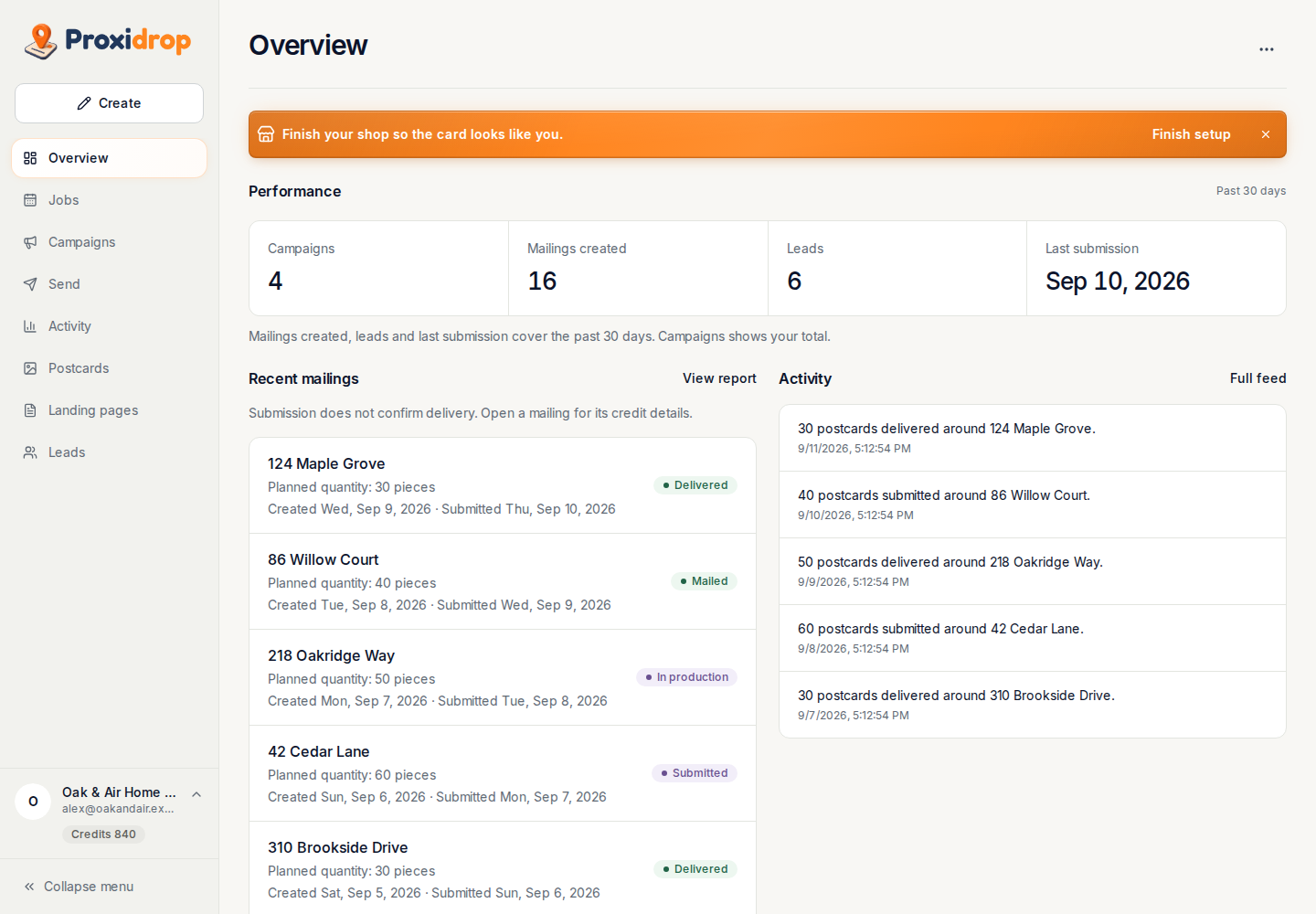
See your campaigns, recent mailings, and incoming leads together. Open the activity behind each mailing when you need the details.
Take a closer look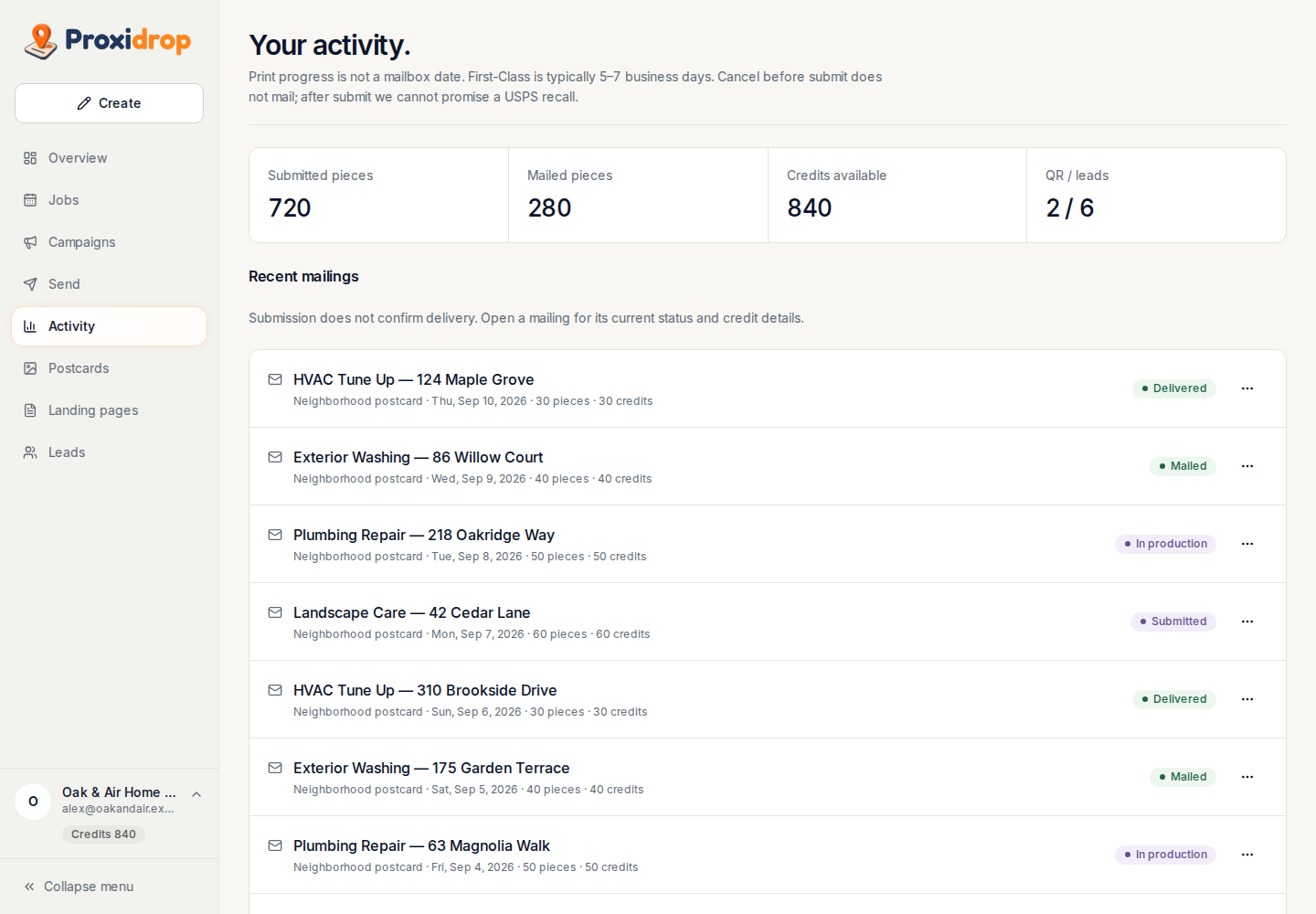
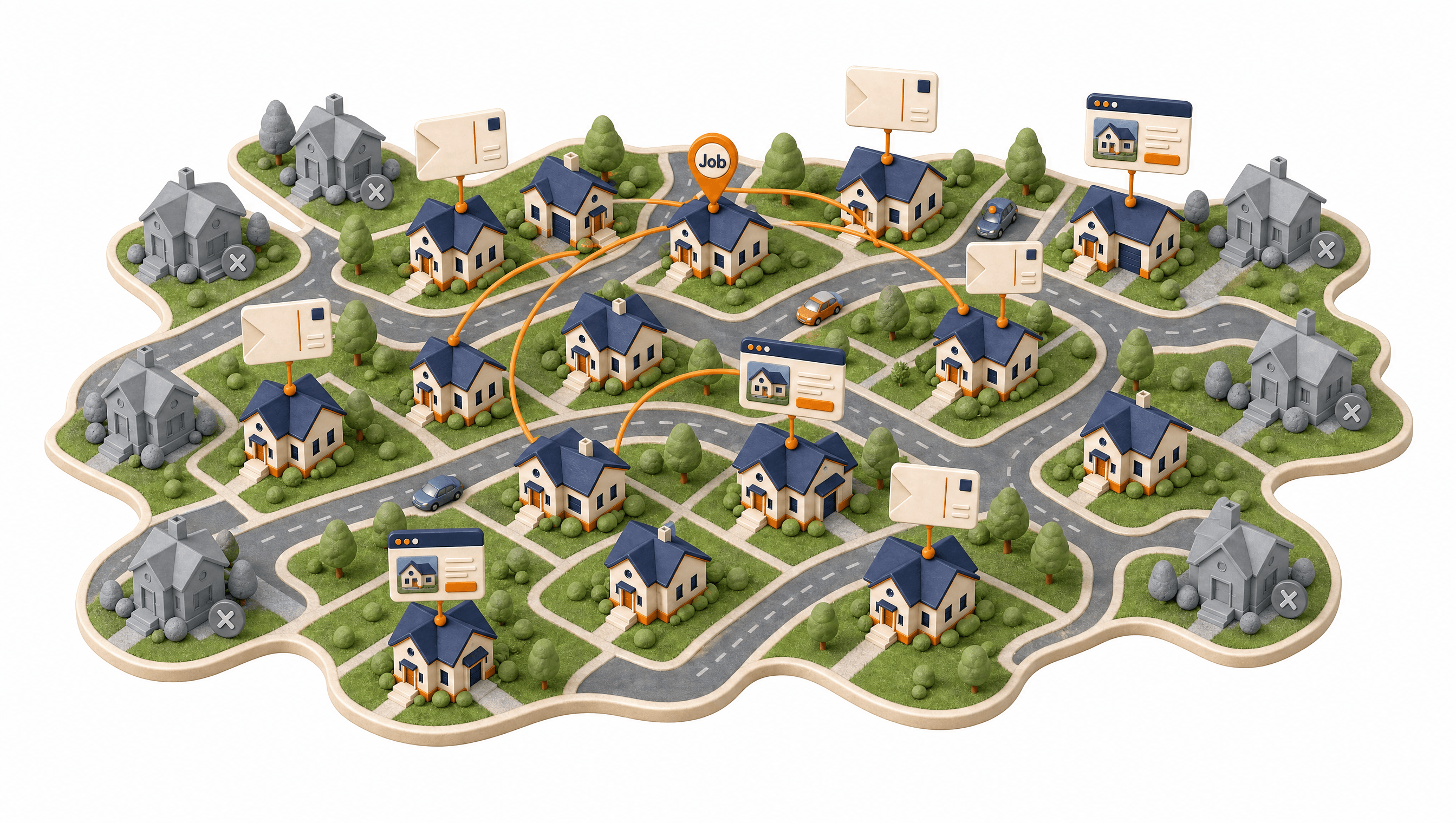
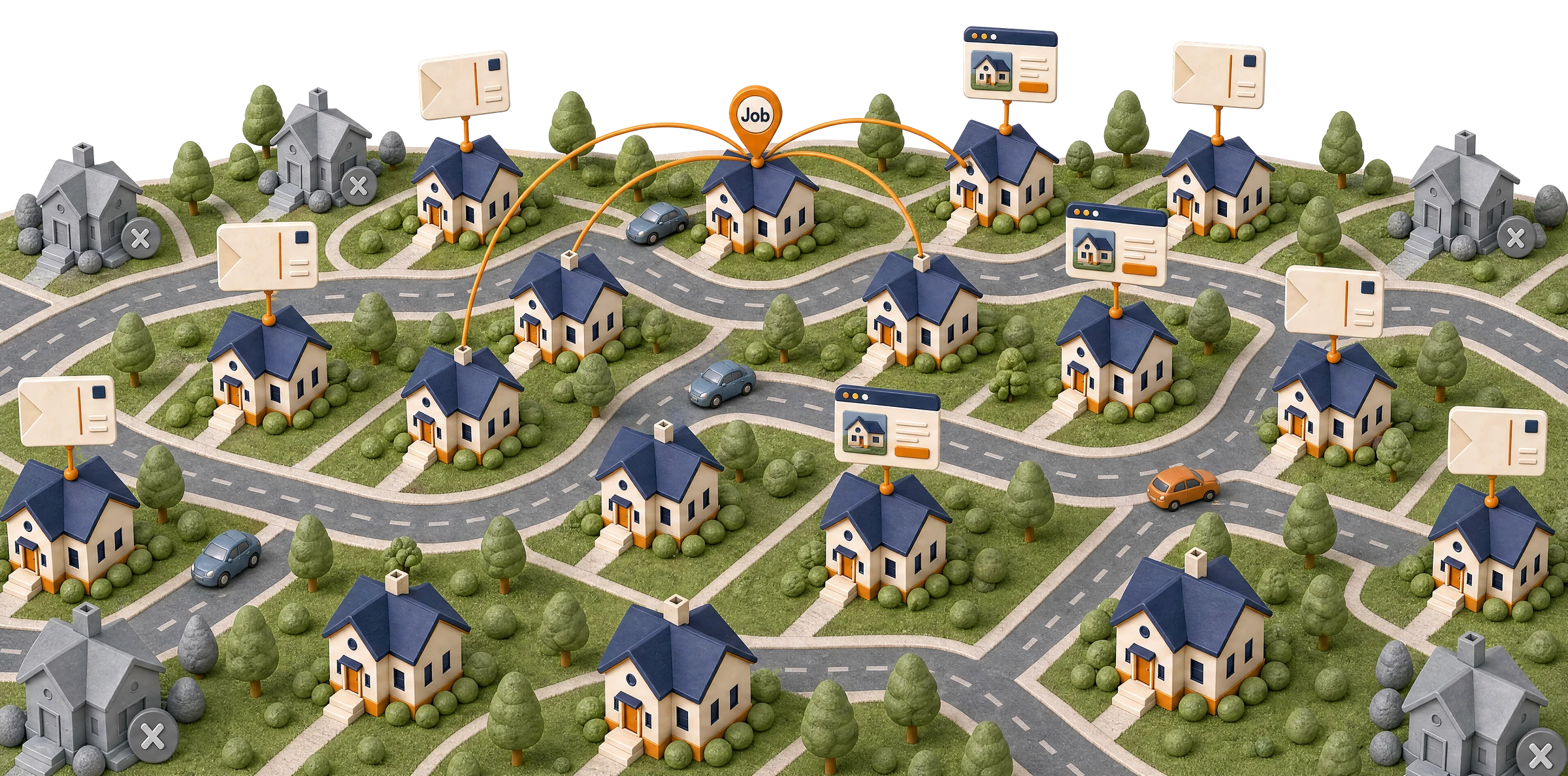
Neighborhood postcard marketing for home-service businesses. Reach the homeowners around the jobs you’re already doing.
From the first job to the next inquiry, see how the pieces work together.
Actual platform screens. Fictional demo data.
Overview & activity
See your campaigns, recent mailings, and incoming leads together. Open the activity behind each mailing when you need the details.
Take a closer lookJobs & calendar
Keep appointments and customer details in one place. Move between your job list and weekly calendar to see where you’re working next.
Take a closer look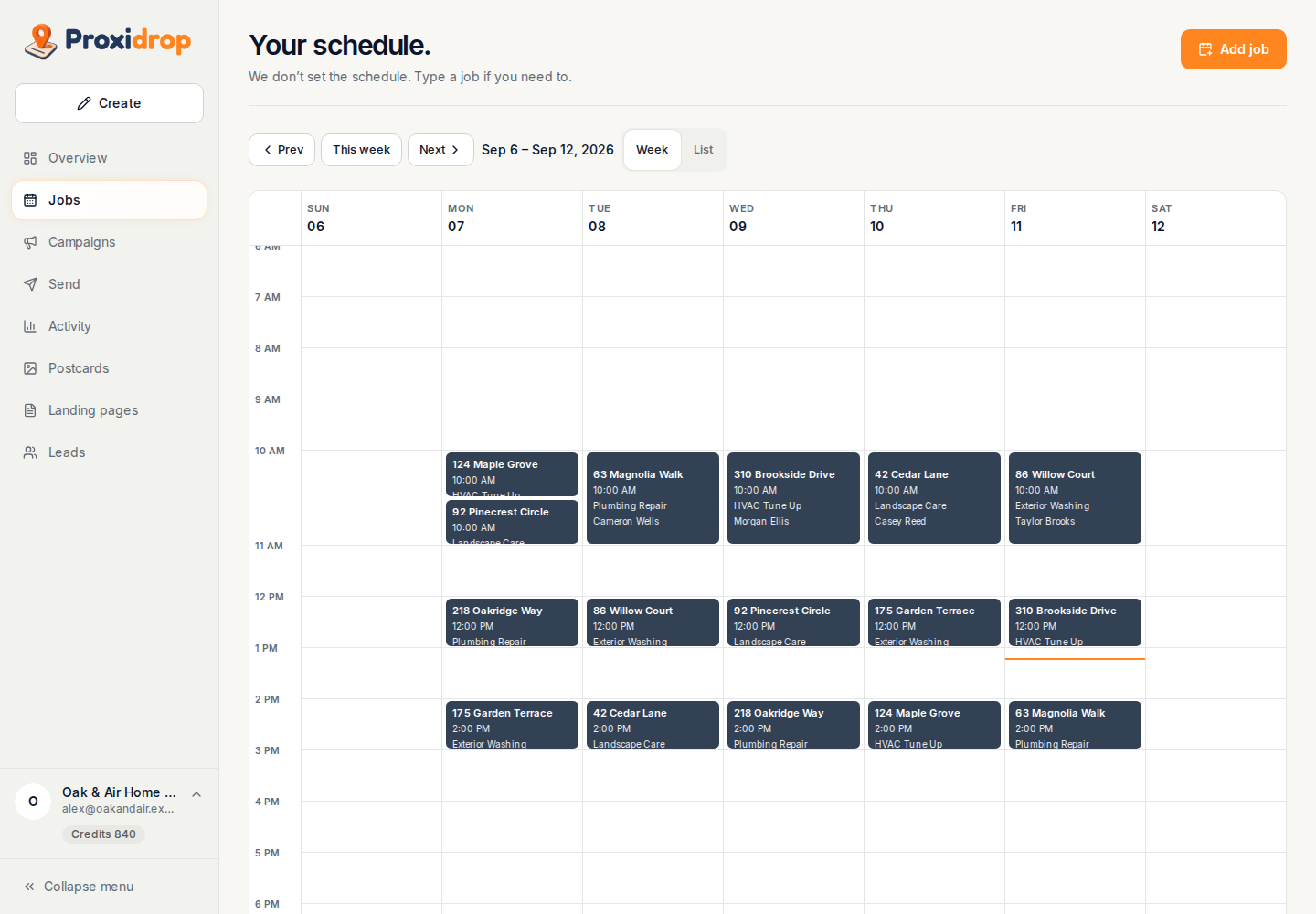
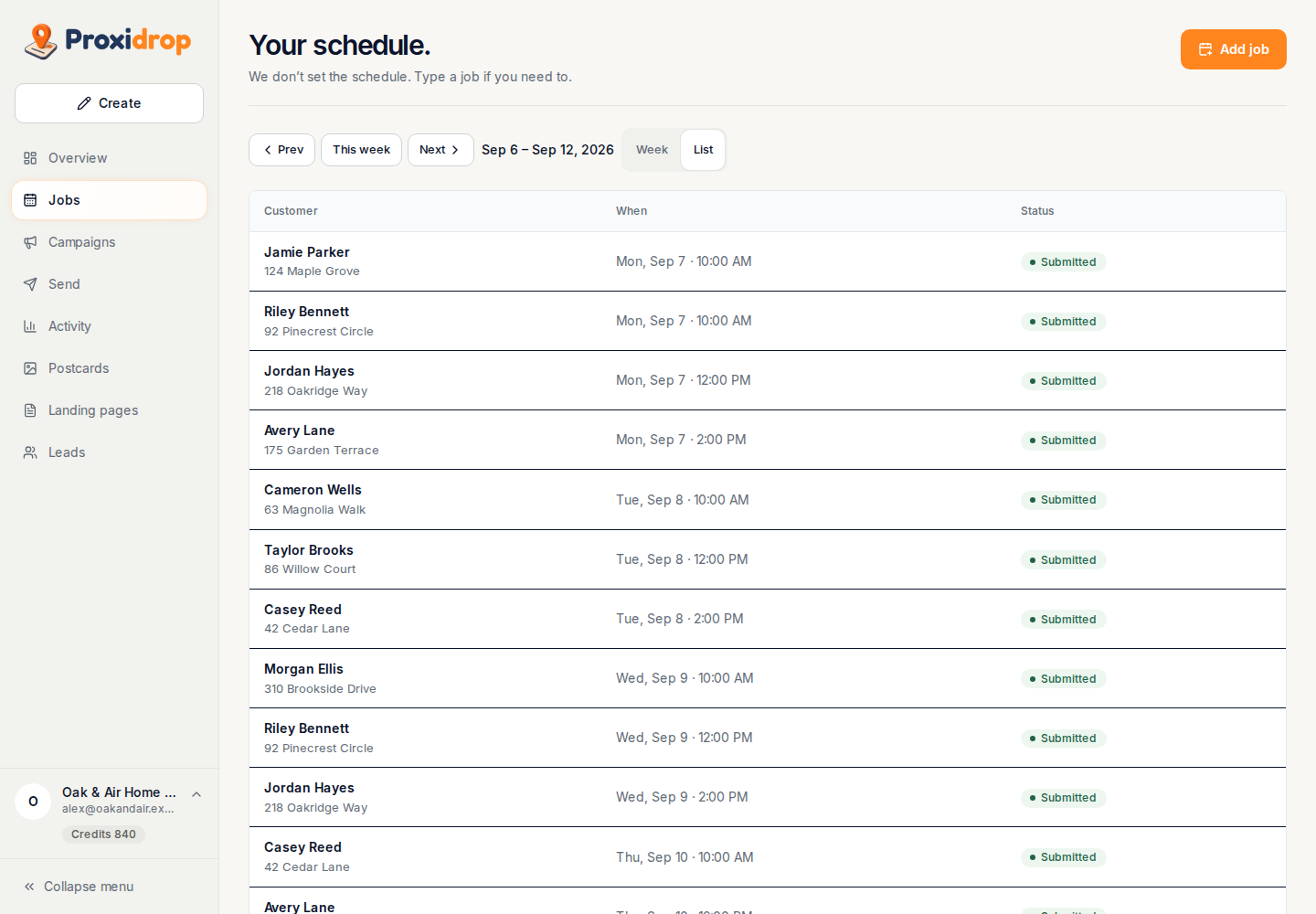
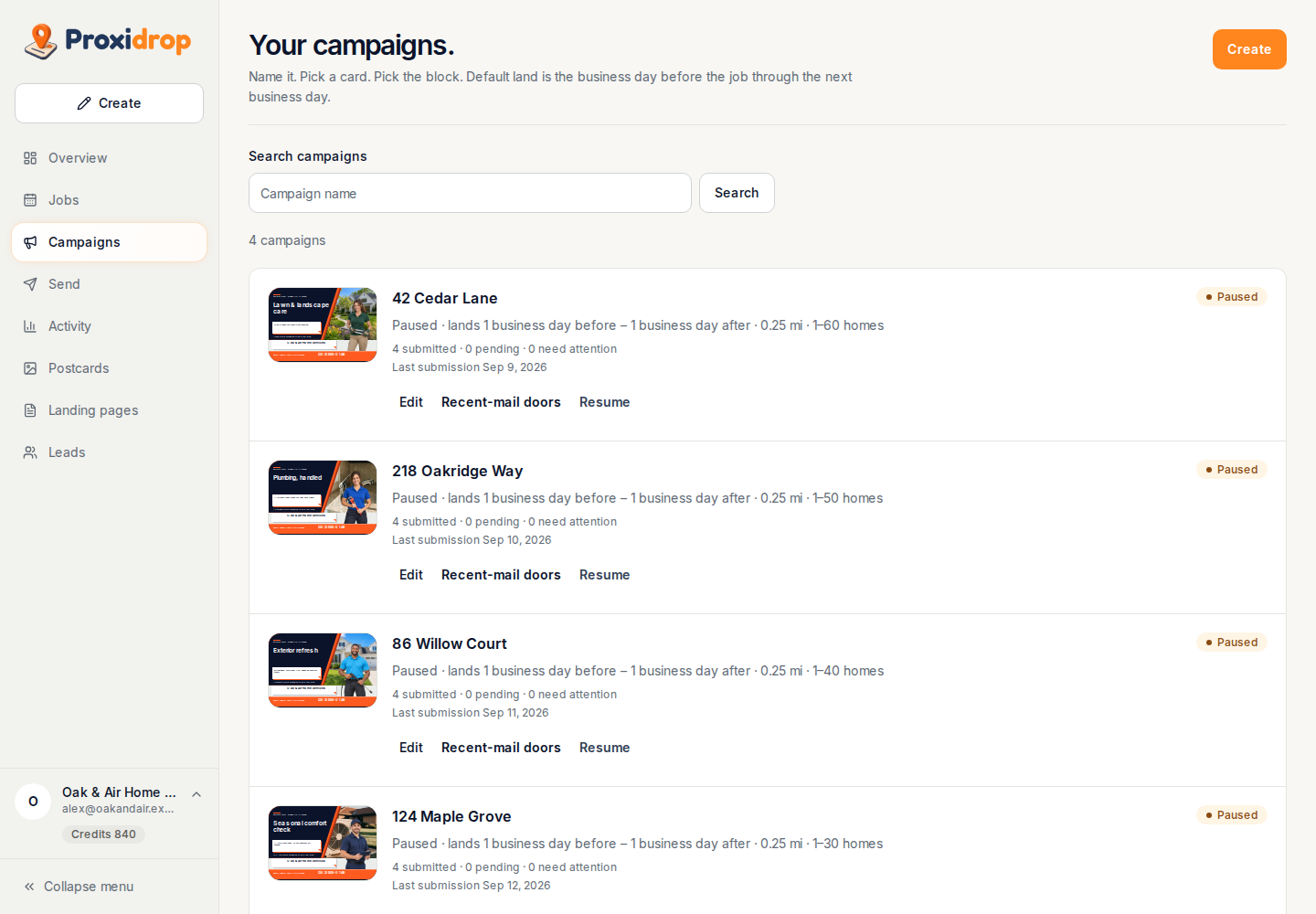
Campaigns
Choose the jobs, neighborhood reach, postcard, and postcard limit for each campaign. Review its activity and pause whenever you need to.
Take a closer look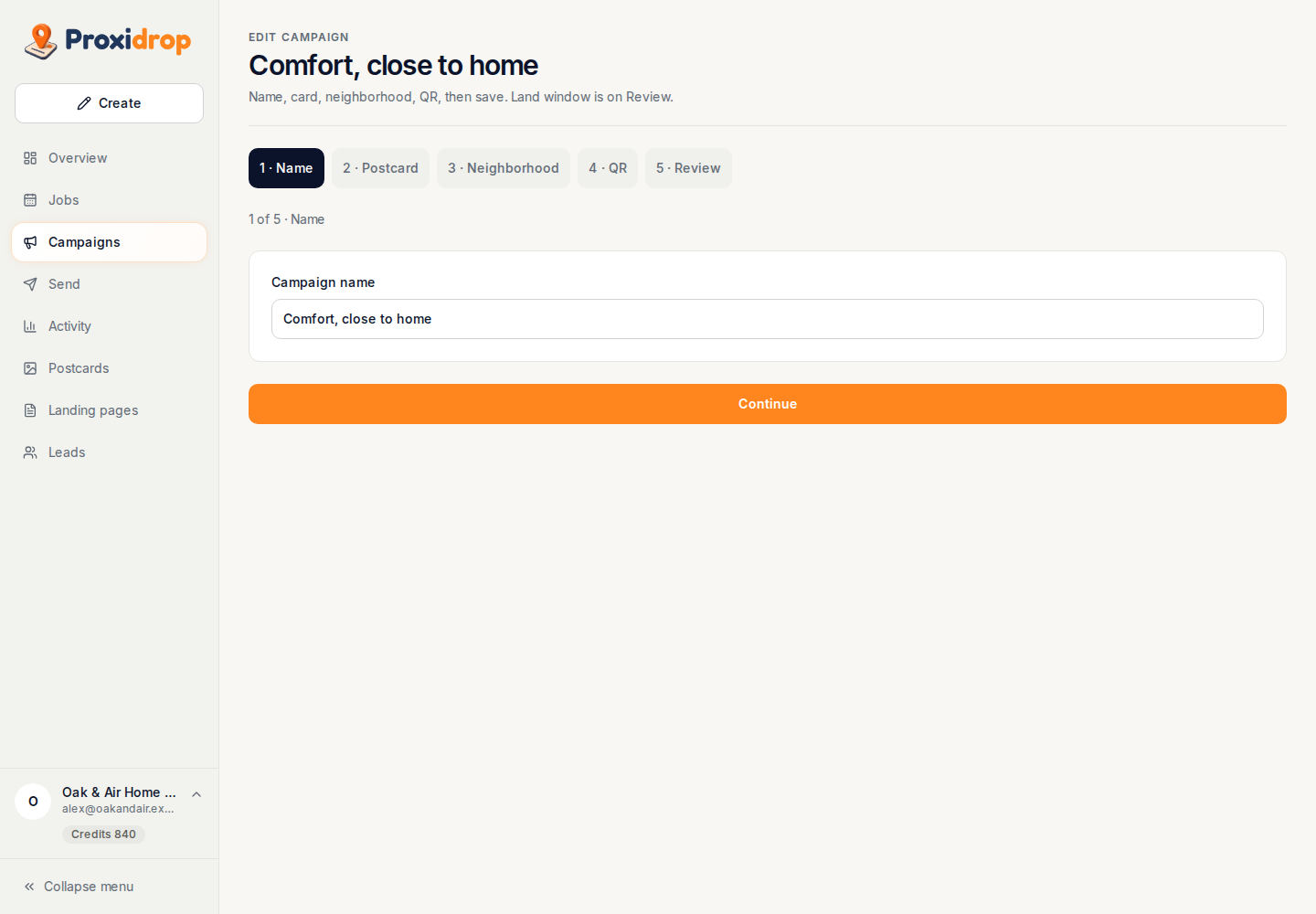
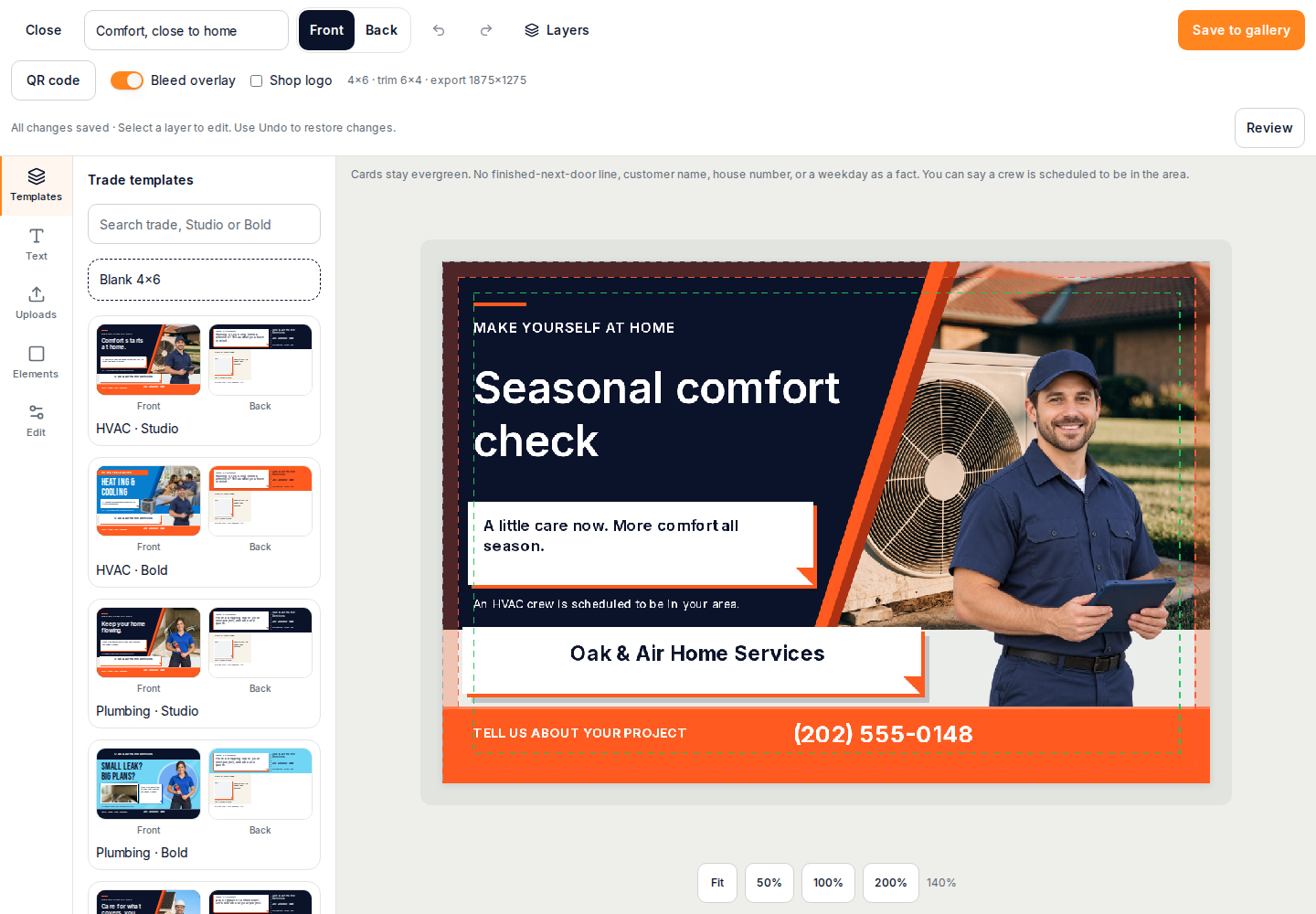
Postcard studio
Create a design with AI, choose a template, or upload your own artwork. Refine your message in the editor, then review both sides before approving a mailing.
Take a closer look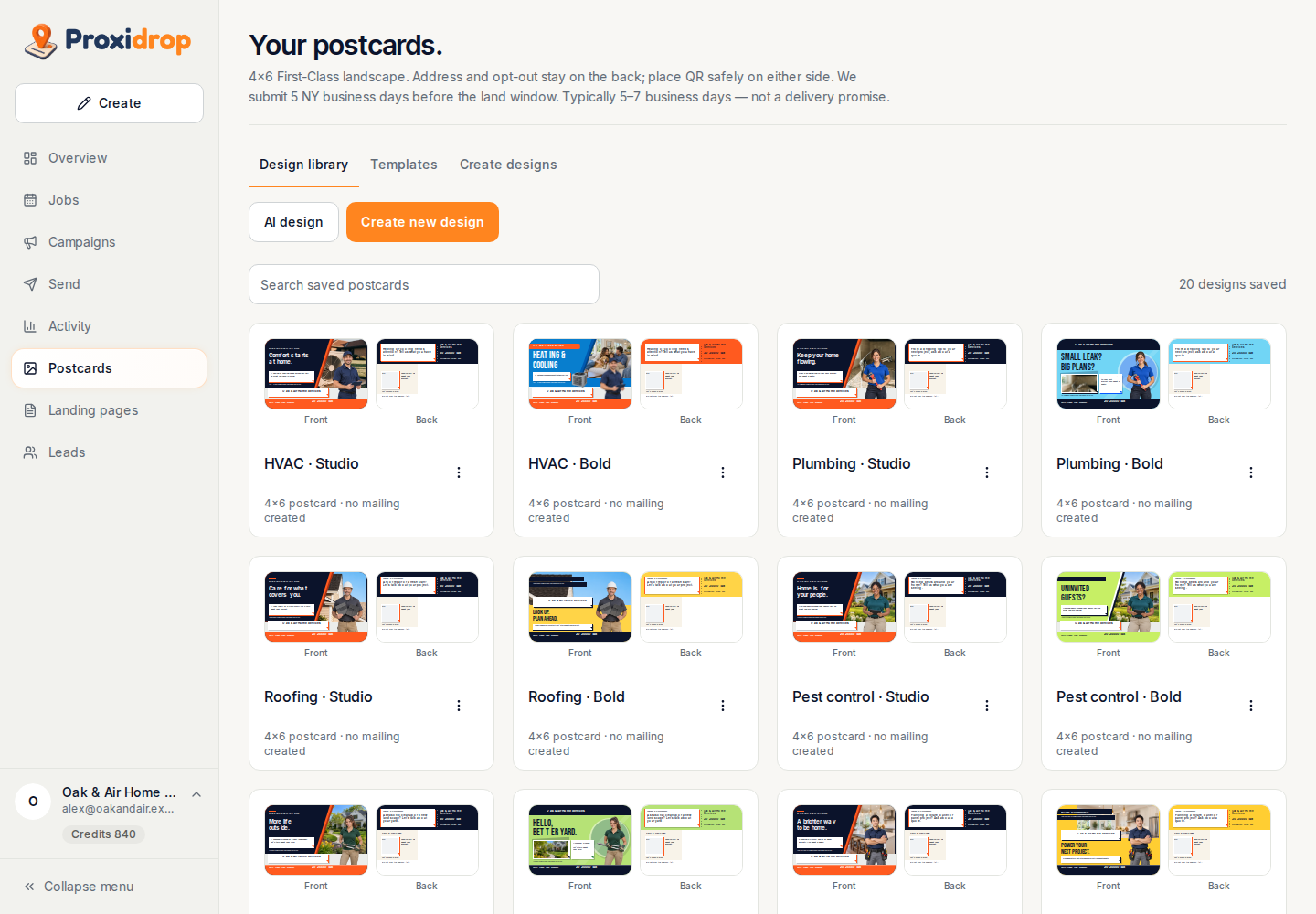
Landing pages & leads
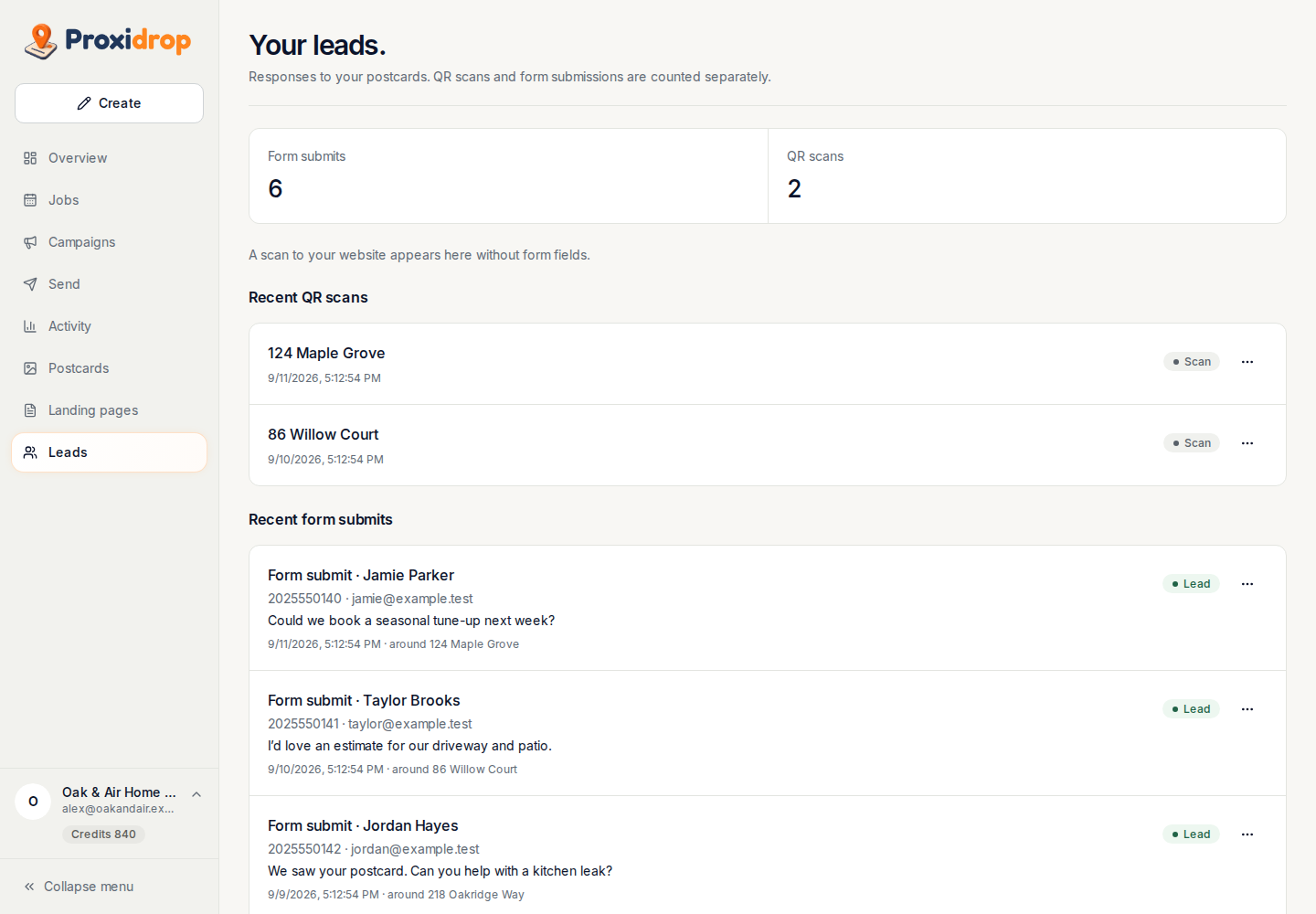
Give neighbors a simple page to respond to after scanning. See QR activity and submitted contact details separately, ready for your follow-up.
Take a closer look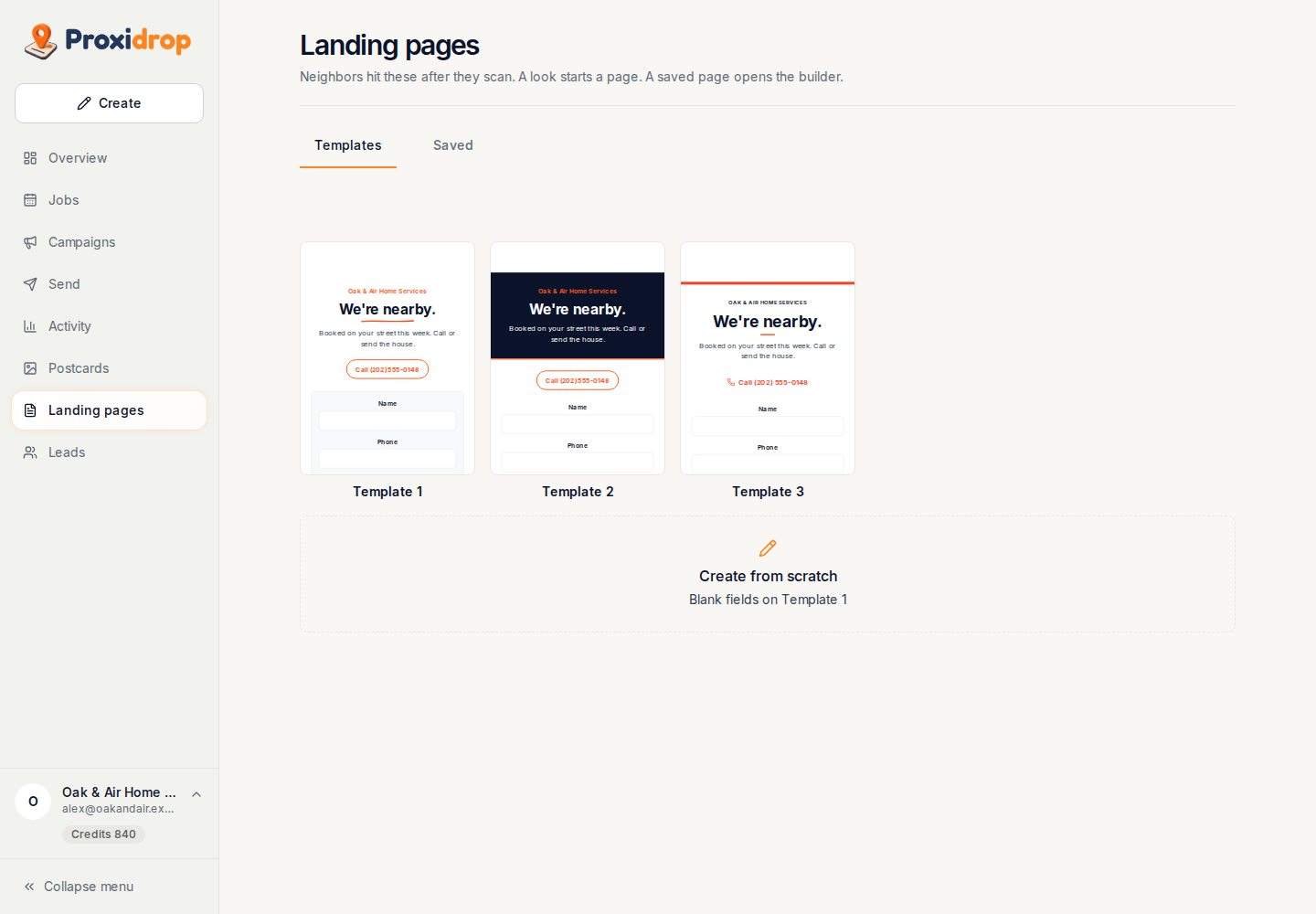
Connections & billing
Review connection availability, your plan, prepaid balance and recent usage. Purchases are not available yet.
Take a closer look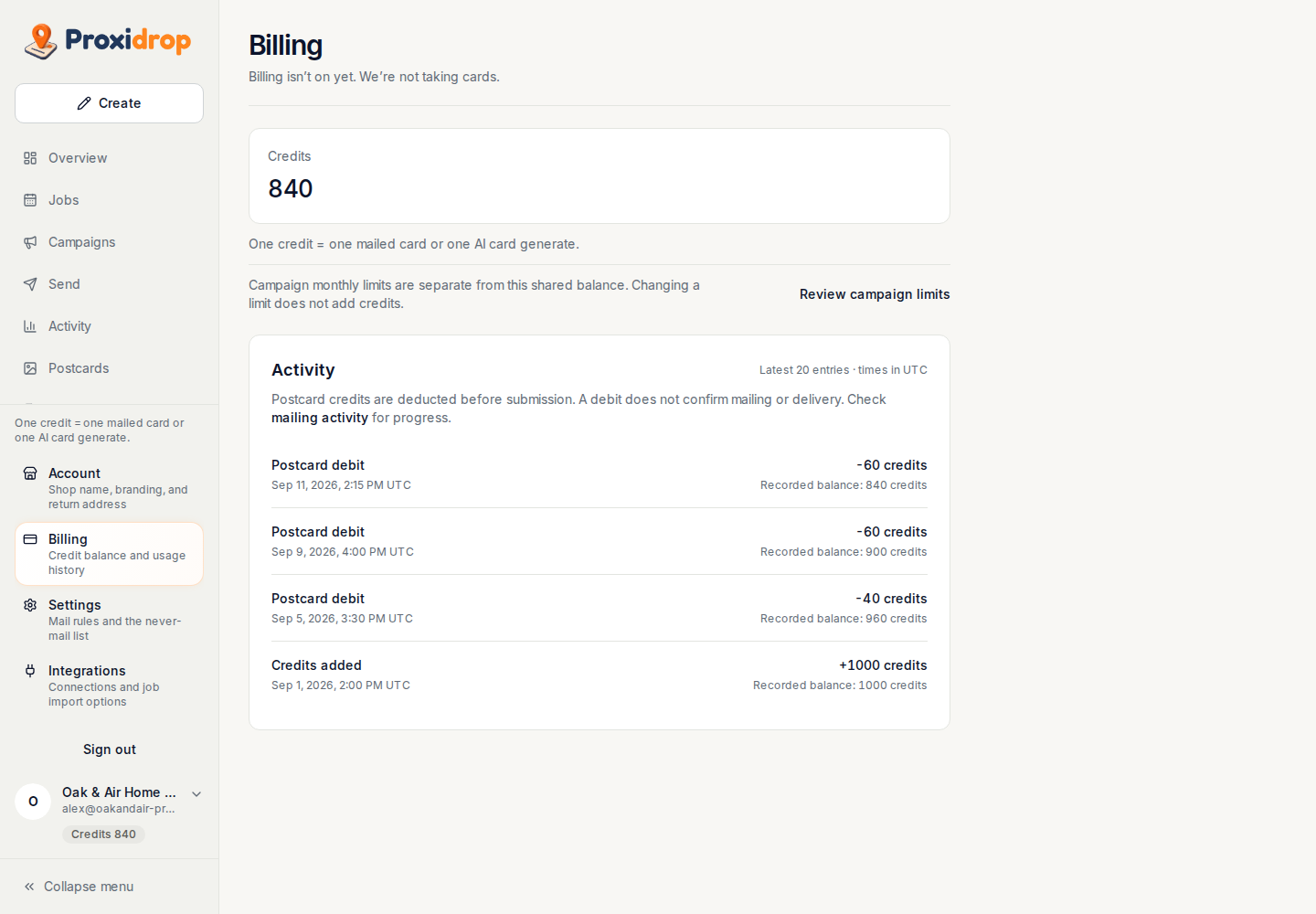
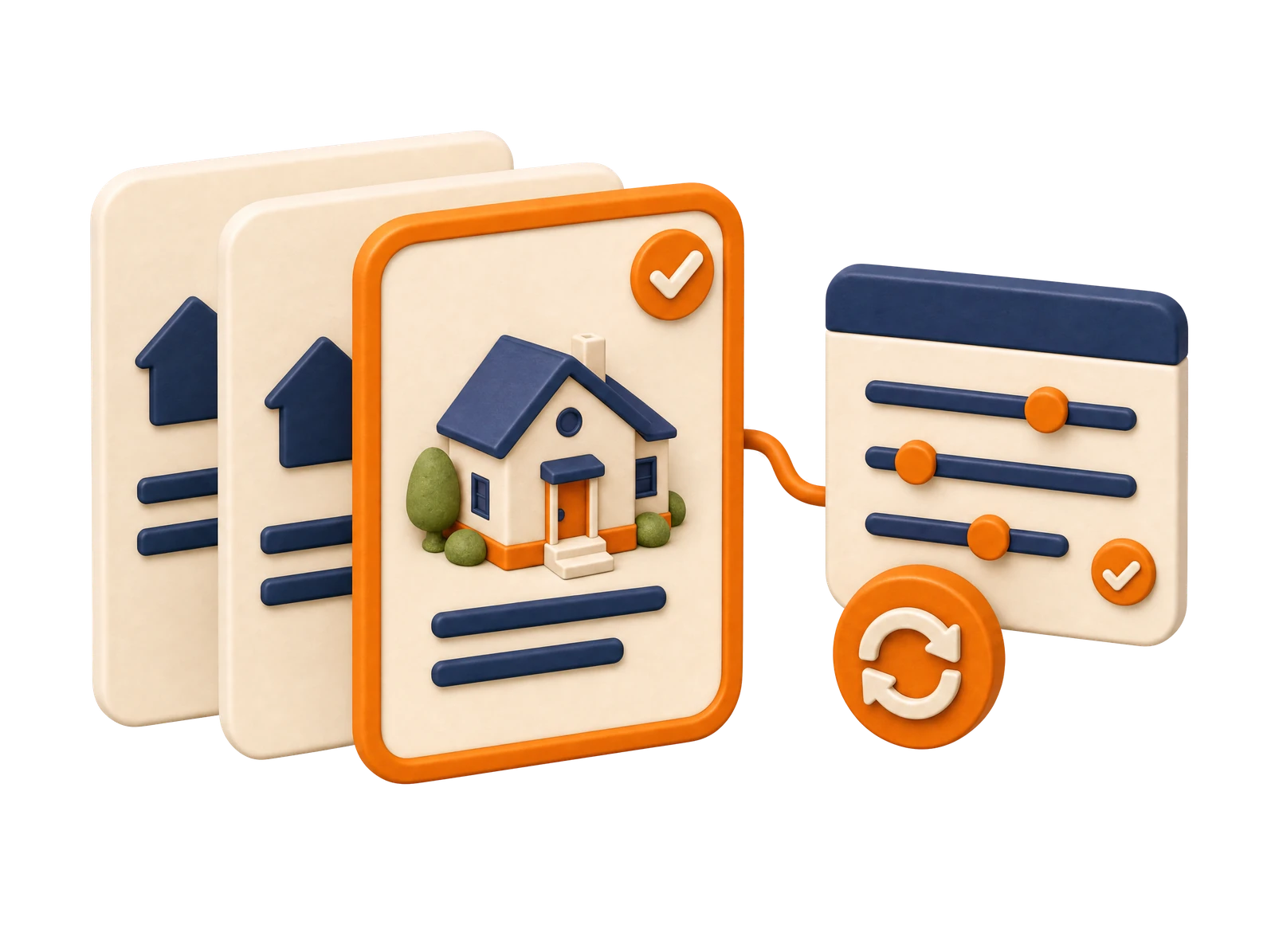
Set the campaign once. Let the same rules guide each qualifying job.
Choose which jobs qualify. Your saved campaign rules handle the next ones.
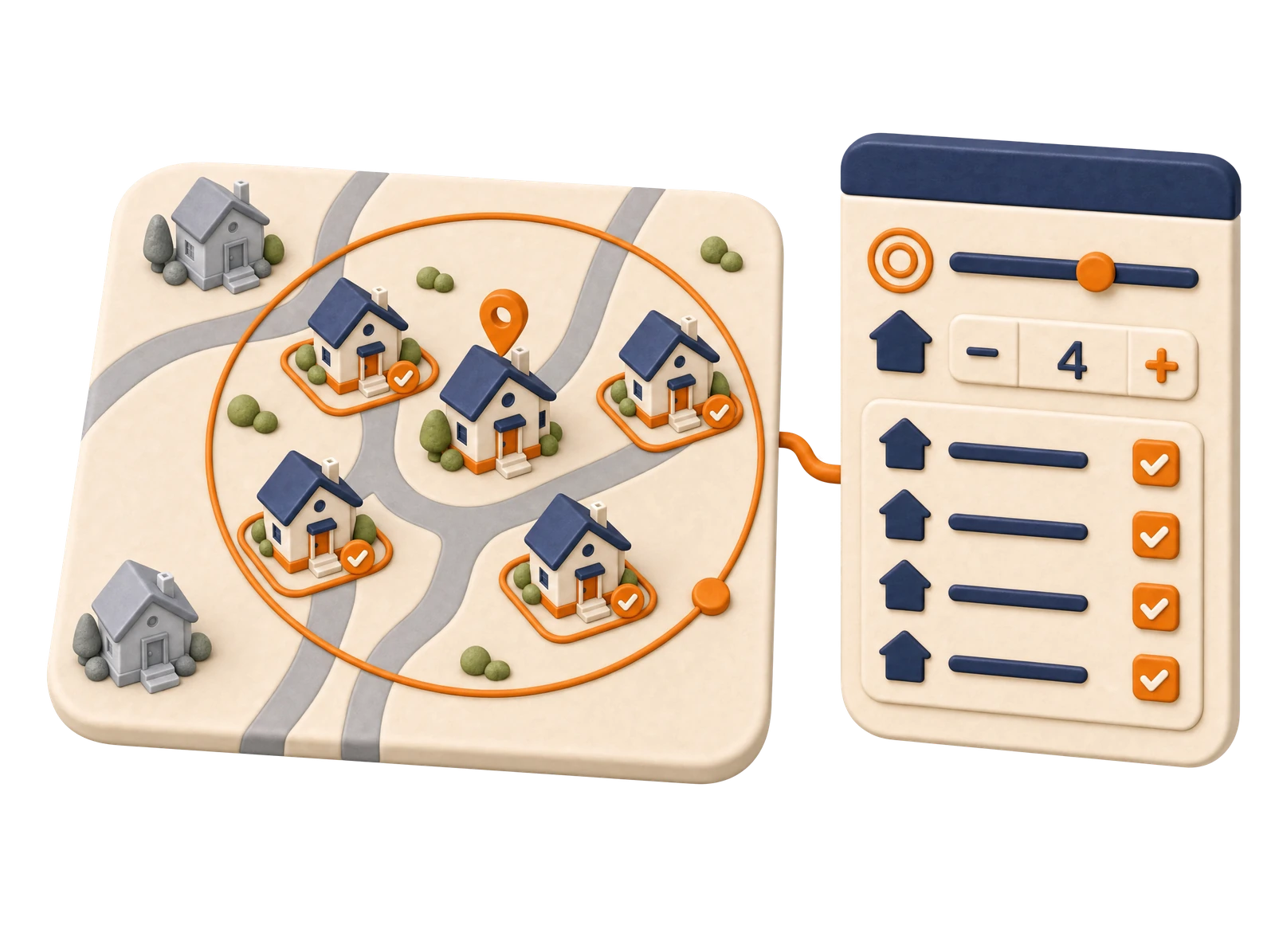
Set your reach and home count, then review the selected recipients.
Approve your postcard and plan submission around the job. Printing and postal transit determine arrival.
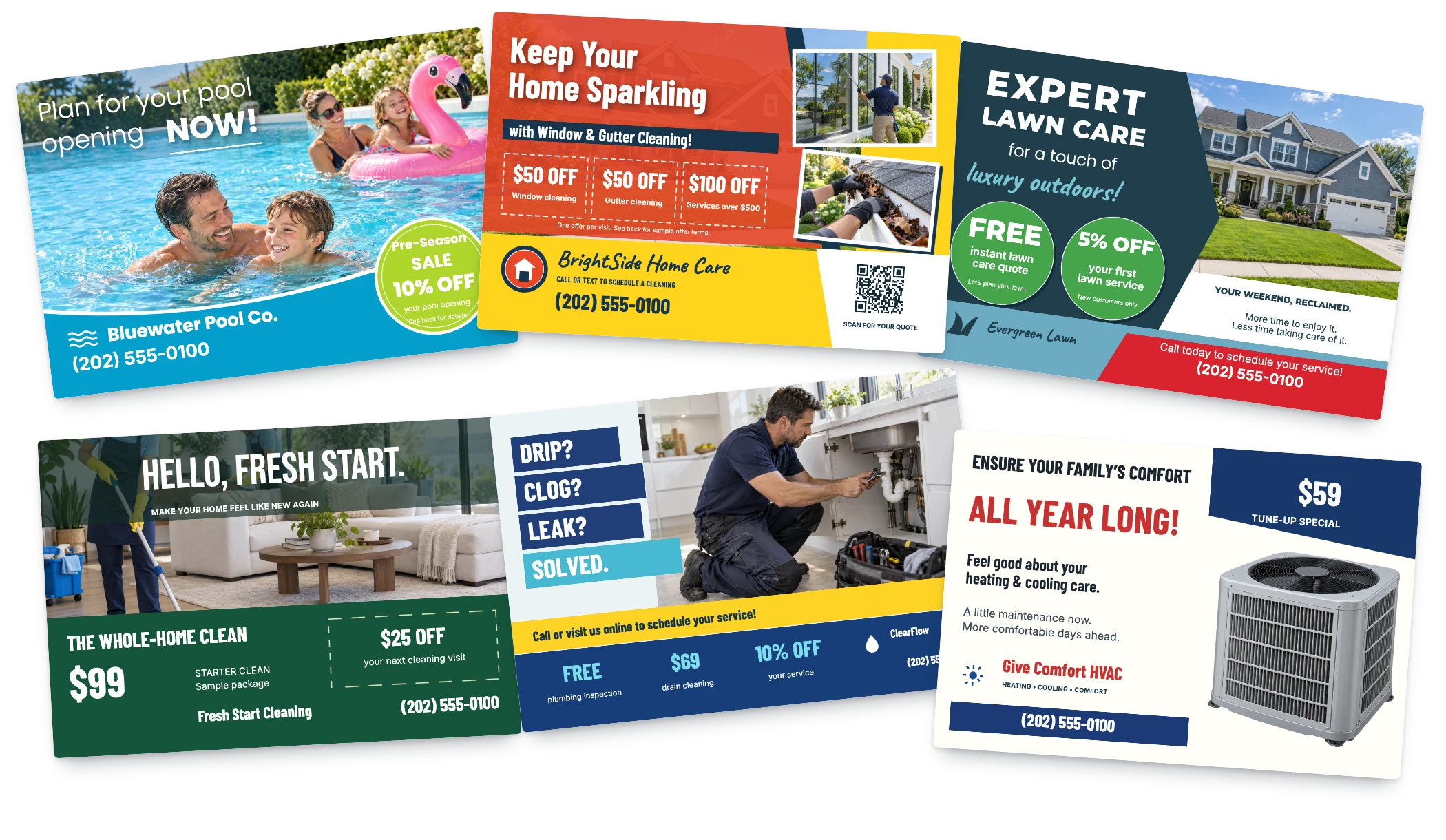
Make the postcard yours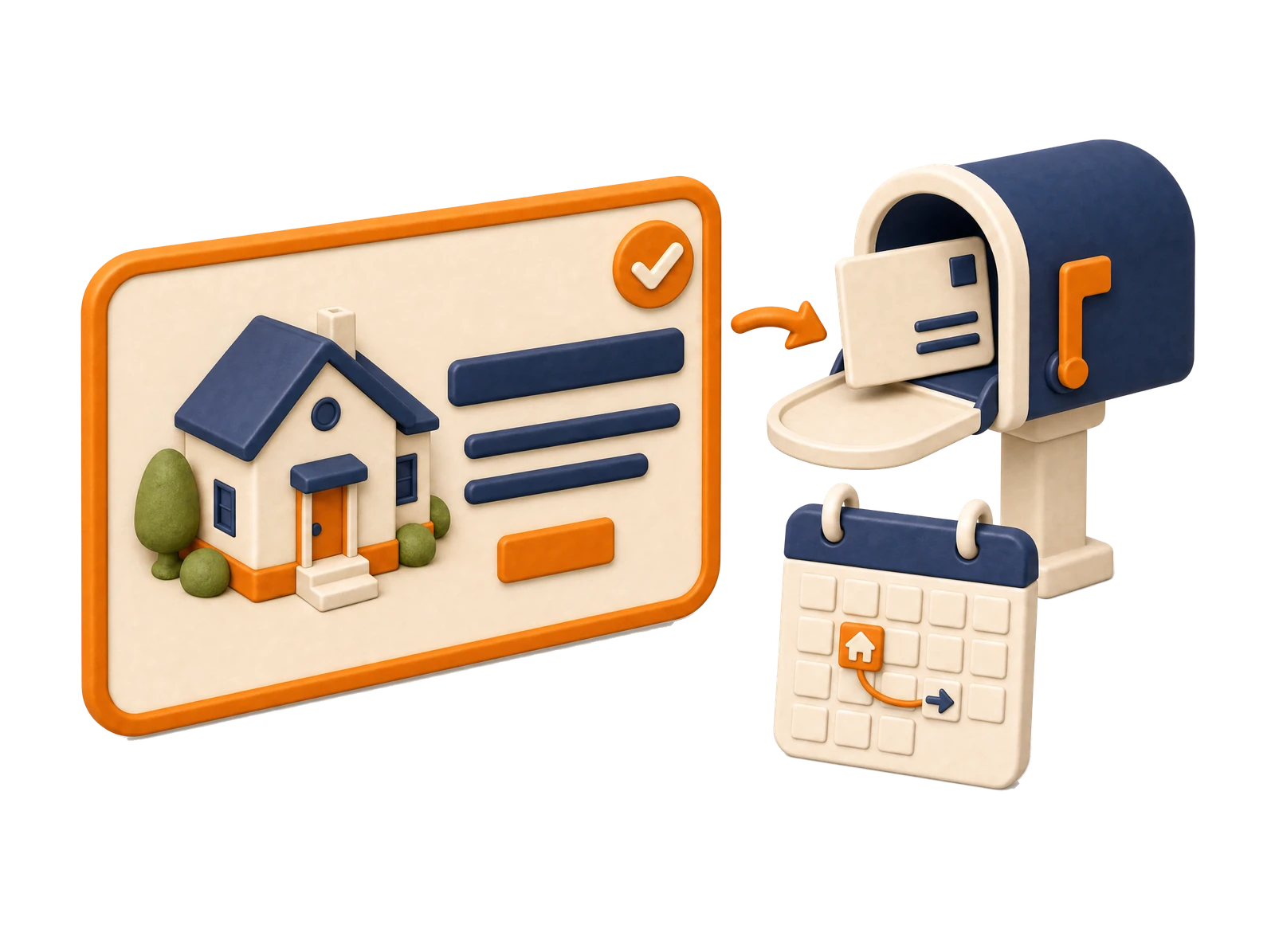
Start with a template, shape an AI concept, or upload your own artwork. Review both sides before you approve.
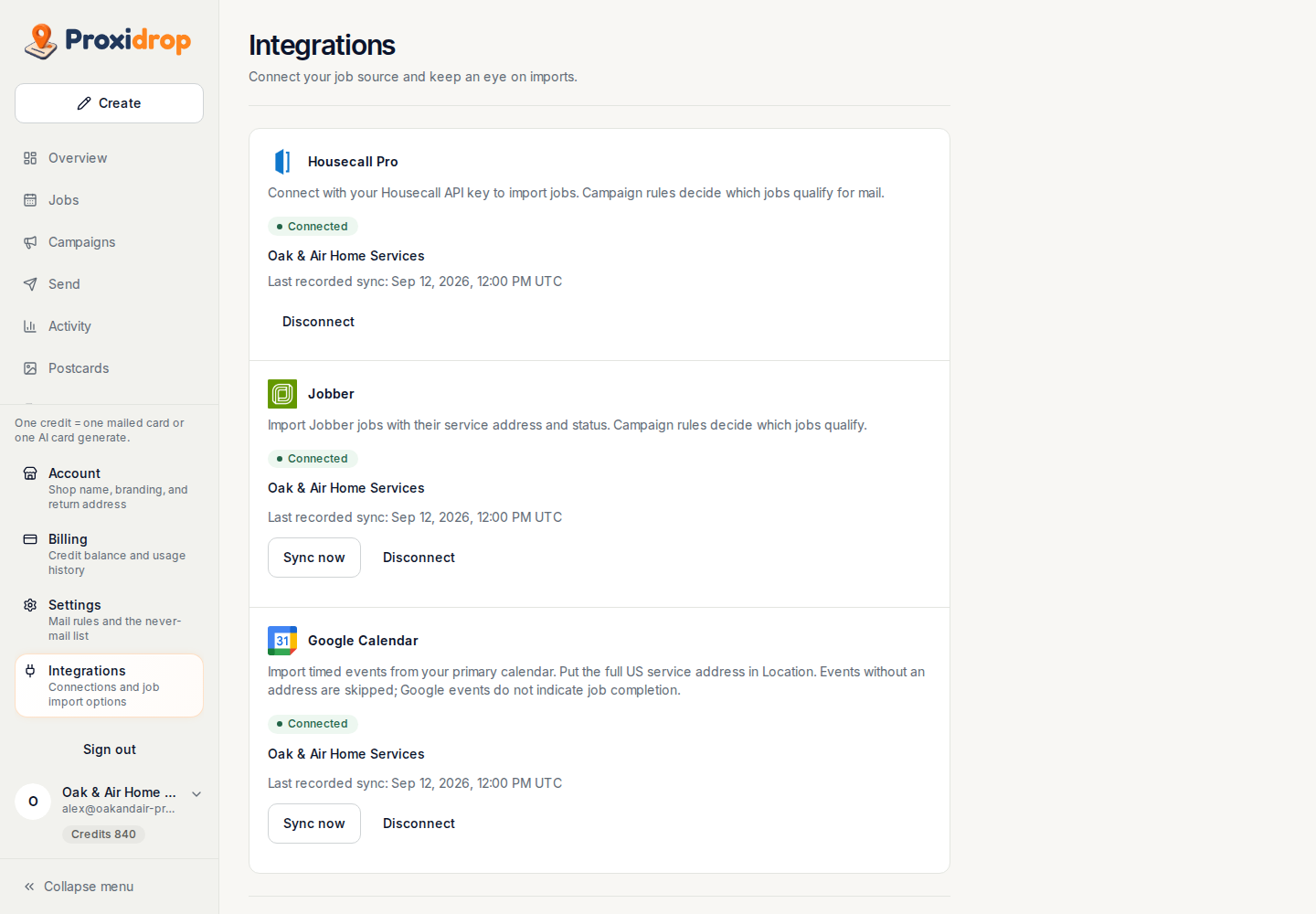
Start with a job list or a supported connection. More ways to bring your schedule into ProxiDrop are on the way.

Bring your jobs in through an API-key connection.
Connection offered Google Calendar
Your calendar, connected to your neighborhood campaigns.
Coming soon
Another way to bring your service schedule into ProxiDrop.
Partnership pendingAdd a job yourself or bring a list. Start with what you have.
AvailableMore of the tools your business already uses, in time.
On the horizonNo subscription required. The full app, on every plan.
Targeting, automation, printing, postage, and tracking included.
Mail regularly? Paid plans lower your mailing rate.
 No subscription
Mail around jobs as needed. No subscription.
$0/month
$1.74 all-in per postcard
No monthly postcards included.
Everything in the app, included
 Lower mailing rate
For regular neighborhood mailing.
$49/month
$1.49 all-in per postcard
No monthly postcards included.
Everything in the app, included
 For frequent mailers
For frequent job-triggered campaigns.
$99/month
$1.29 all-in per additional postcard
25 postcards included each month.
Everything in the app, included
 Lowest mailing rate
For high-volume teams and operators.
$299/month
$0.89 all-in per additional postcard
100 postcards included each month.
Everything in the app, included
All-in covers each mailing. Optional AI design generation is $1 per generation, separate from mailing.
Create a free account, set up your business, add jobs and prepare campaign designs. Purchases and live mailing are not available yet. No subscription is started by creating an account.
No. Set up an ongoing campaign and use its rules across qualifying jobs. You can have multiple campaigns, adjust their settings, and pause them when needed.
Campaign timing plans when a postcard is prepared and submitted around the job. Printing and postal transit affect arrival. Delivery windows are estimates, not a guaranteed mailbox date.
Cancellation can stop work that has not been submitted, depending on its current state. Once mail enters production, it cannot reliably be recalled. Check the mailing status before taking further action.
ProxiDrop applies the recent-mail rules for the sending mode you use. Automated campaigns and one-off sends use different histories, so review the campaign settings and recent-mail history for your mailing.
Yes. Use a supported artwork upload, start from a template, or develop a concept with AI. Edit the design and review both sides of the prepared postcard before approving a send.
Set campaign postcard limits, choose the number of homes, and review the mailing cost before approving mail. You can adjust the reach or pause a campaign as your plans change.
No. At launch, Pay as you go is $0/month plus $1.74 all-in per postcard. Paid plans lower your mailing rate: Starter is $49/month plus $1.49 per postcard; Pro is $99/month with 25 postcards included each month, then $1.29 per additional postcard; Scale is $299/month with 100 postcards included each month, then $0.89 per additional postcard. Every mailing rate includes targeting, automation, printing, postage, and tracking. All four plans include the full app; optional AI design generation is $1 per generation, separate from mailing. Creating an account is free and does not start a subscription. Purchases and live mailing are not available yet.